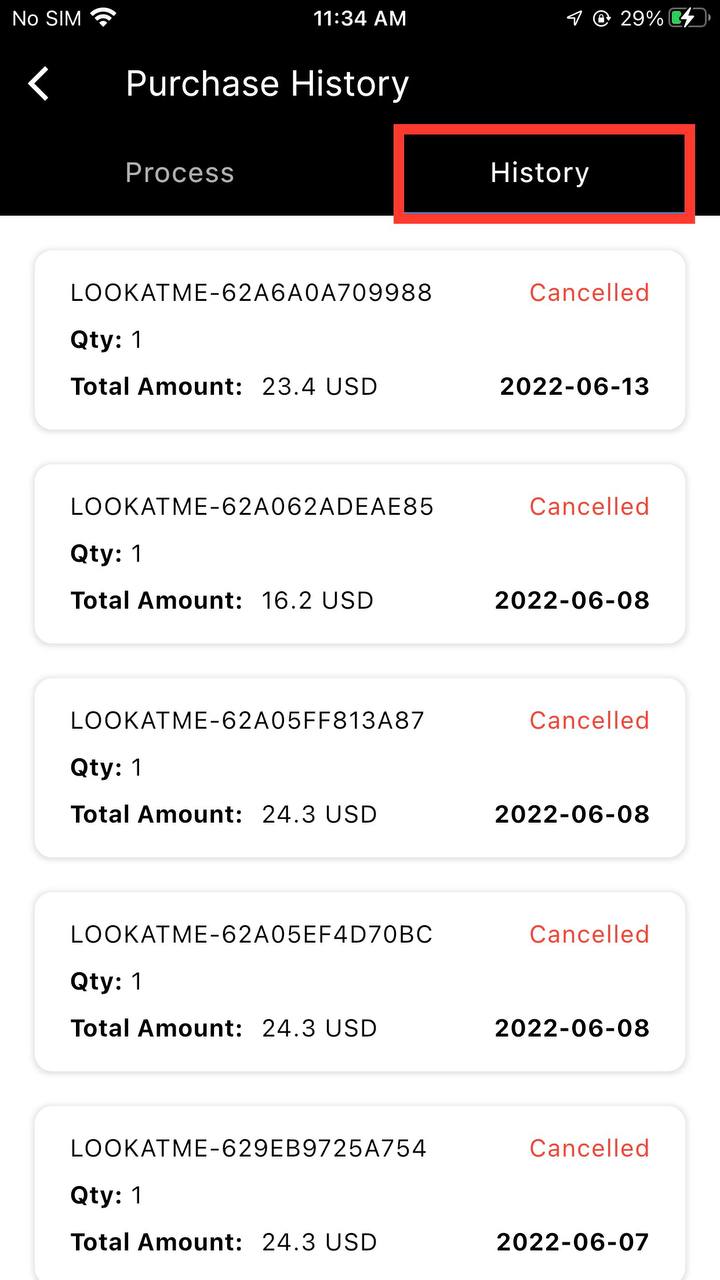
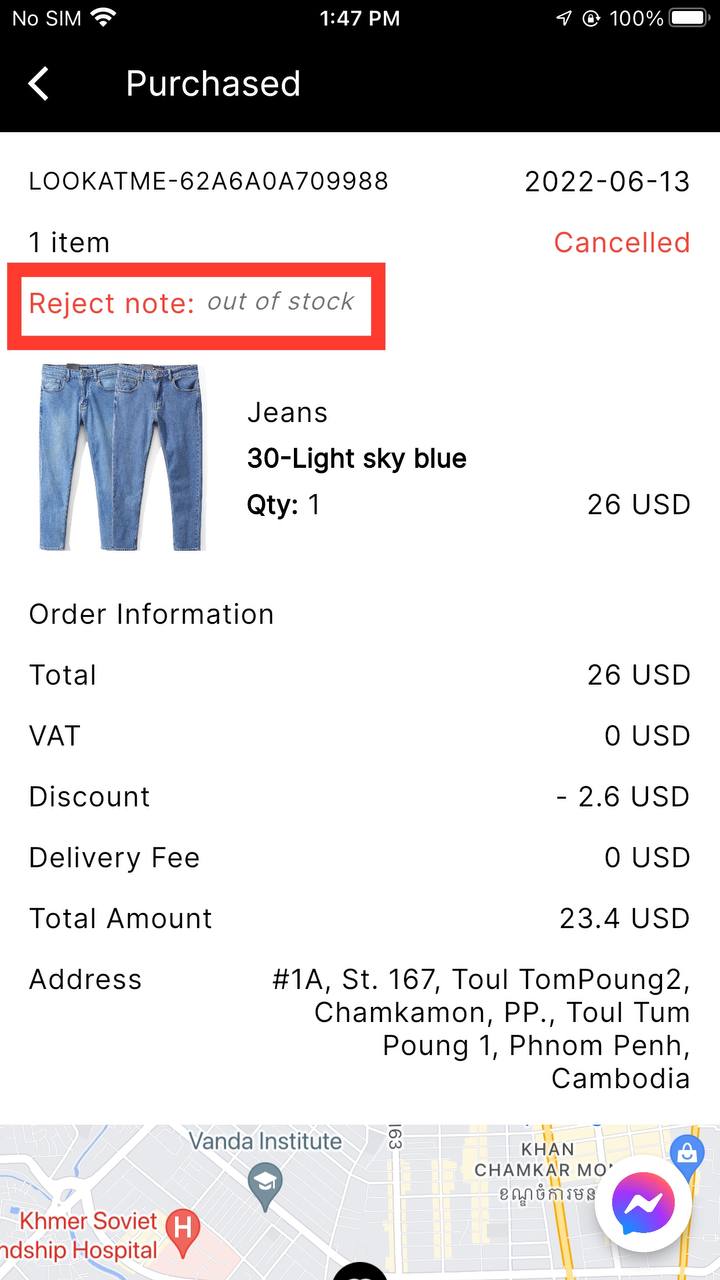
How to Purchase?
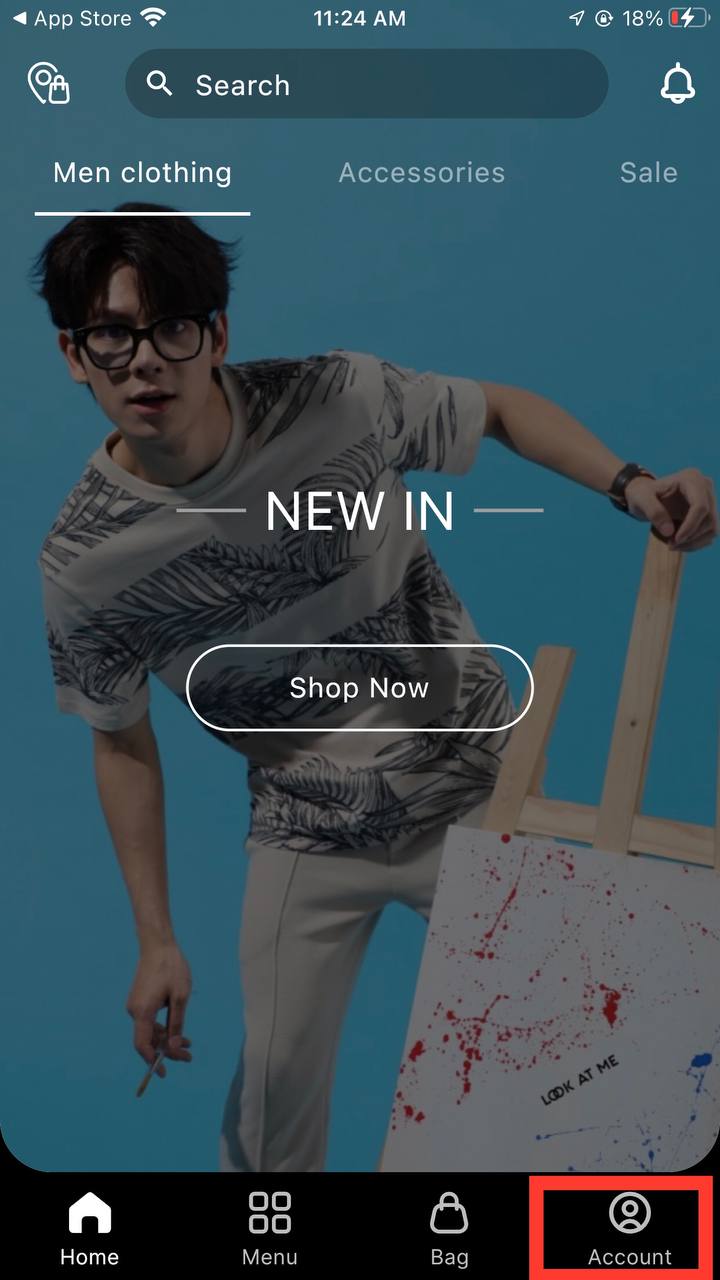
1. Search or find any product that you want to buy.
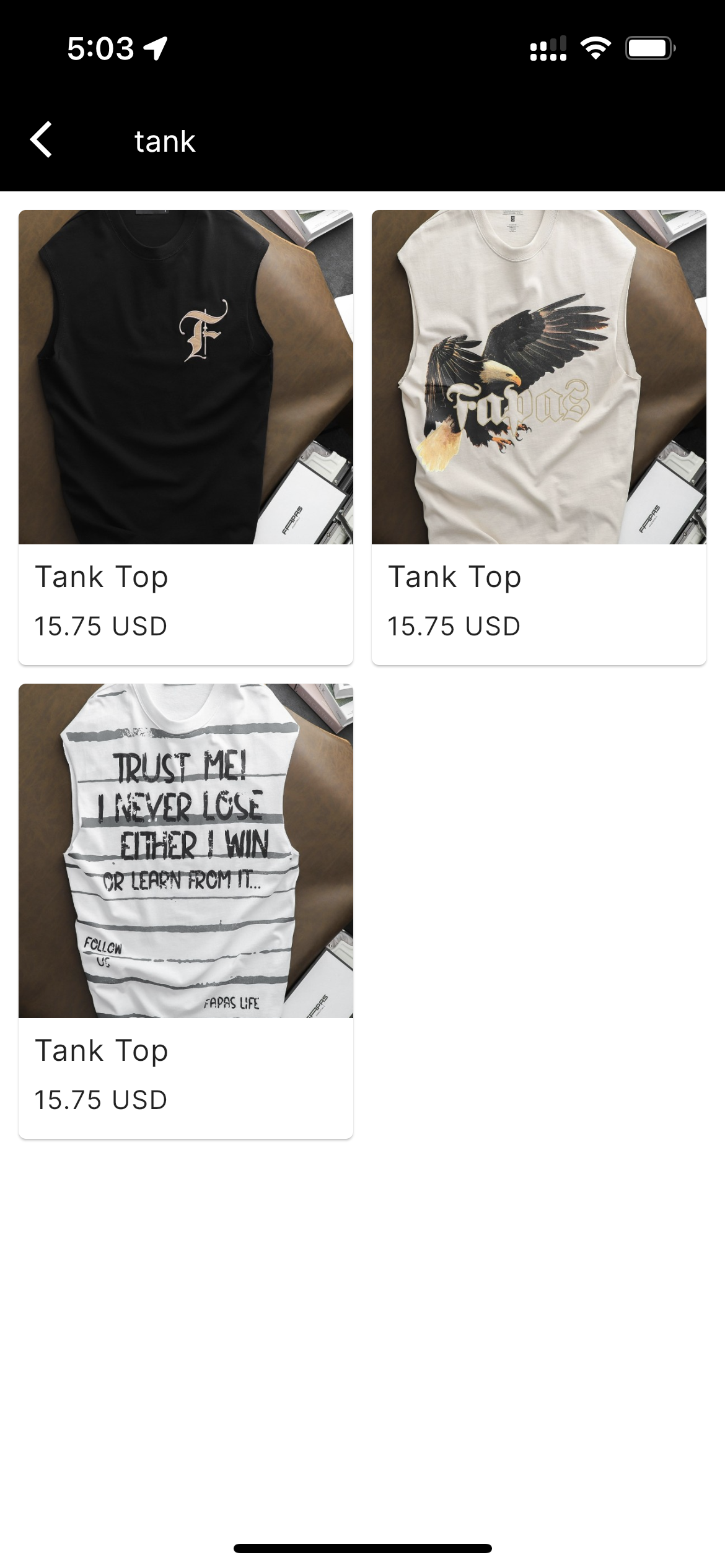
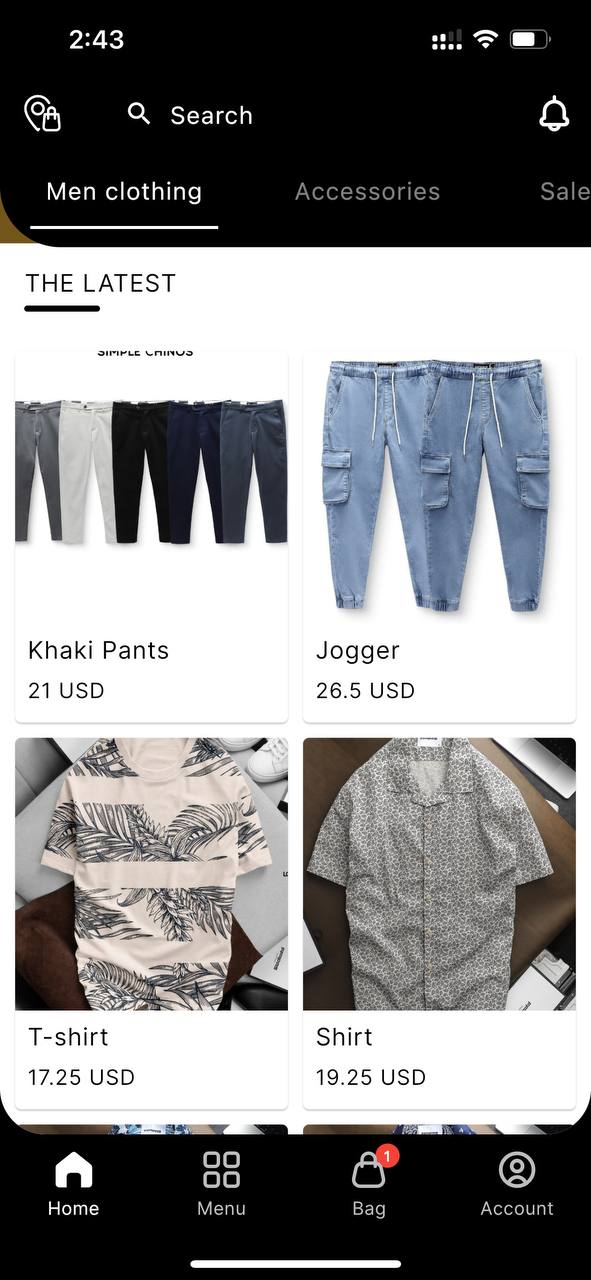
2. Click go to product detail.
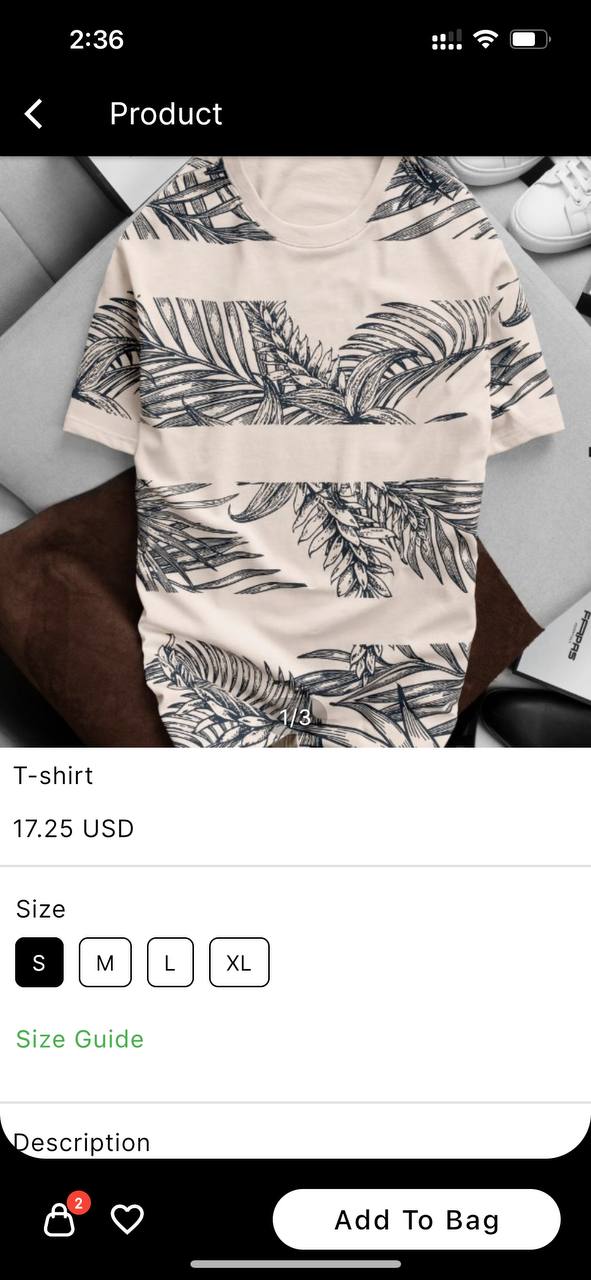
3. Choose option of products.
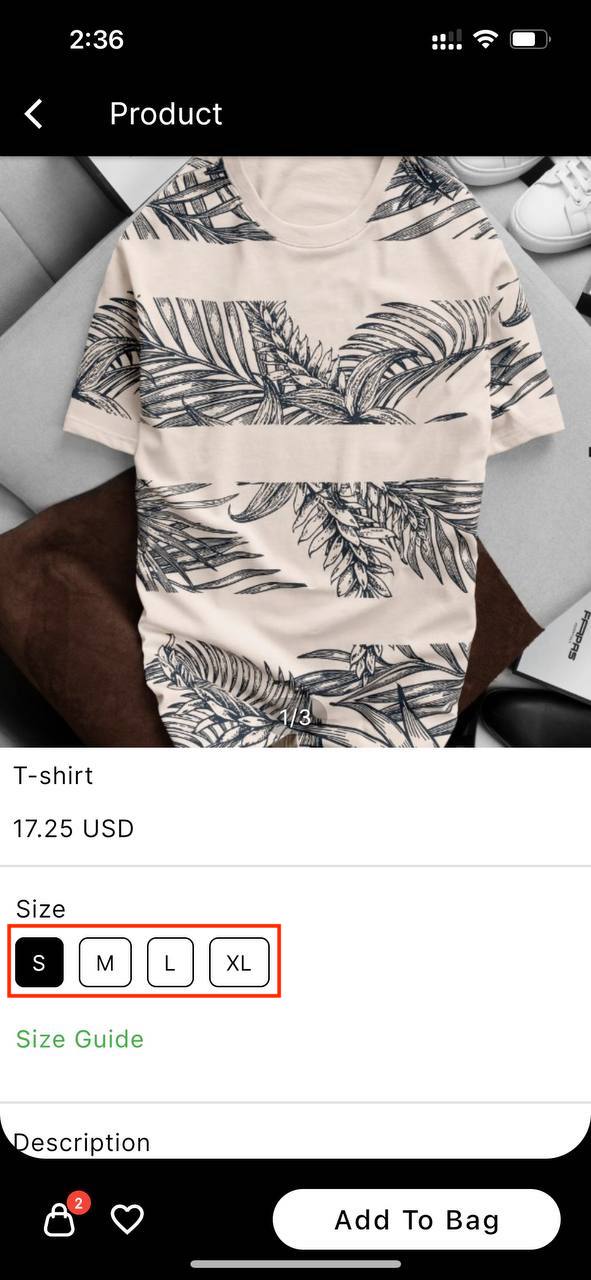
4. Click Add to bag.
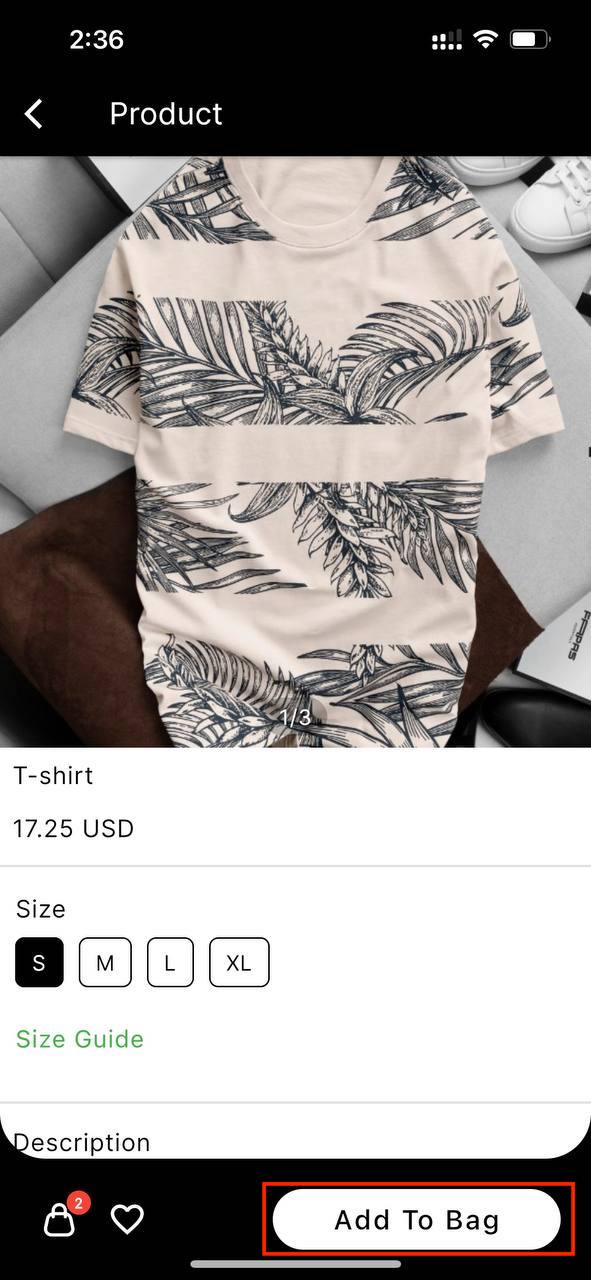
5. Click Add to bag icon.
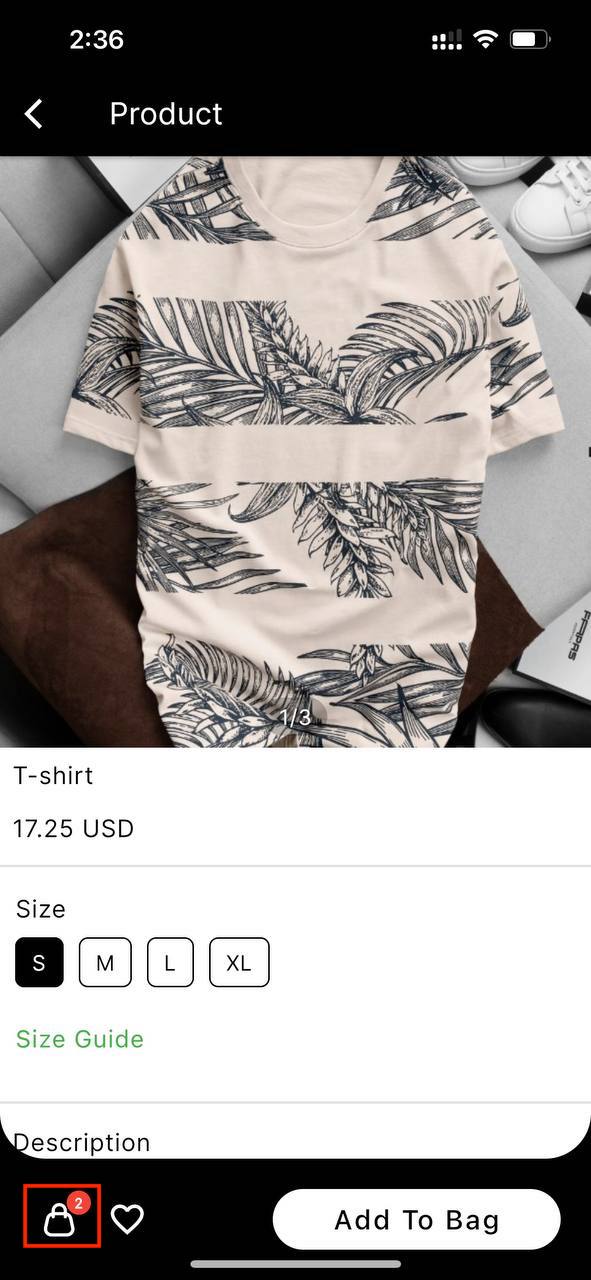
6. To see review screen of product.
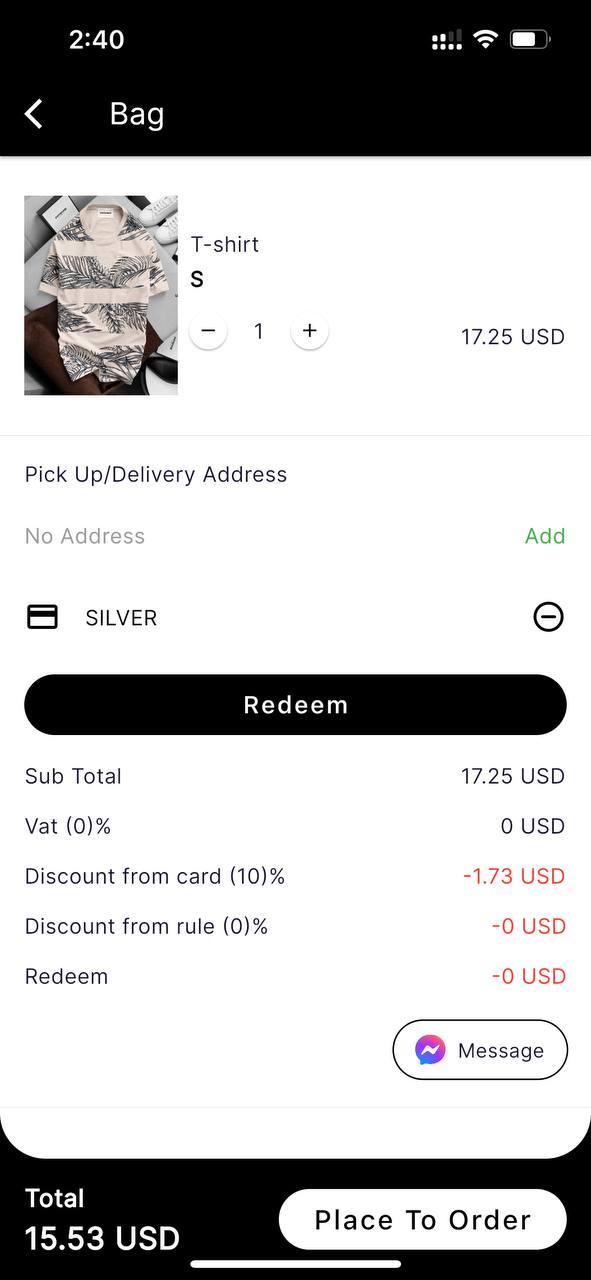
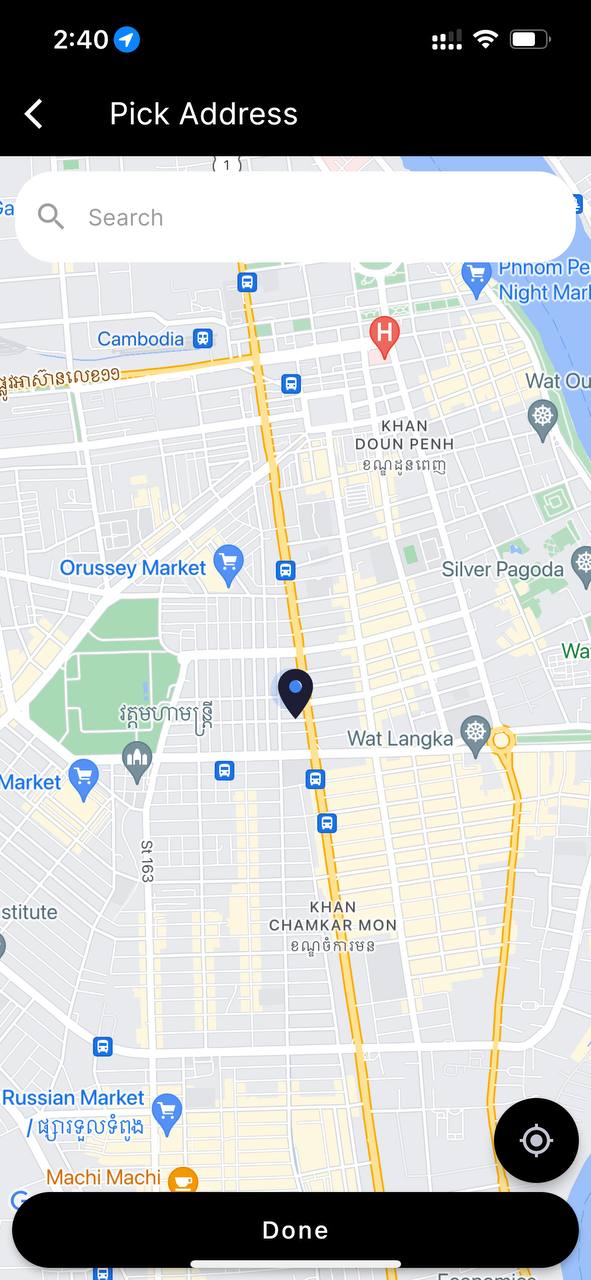
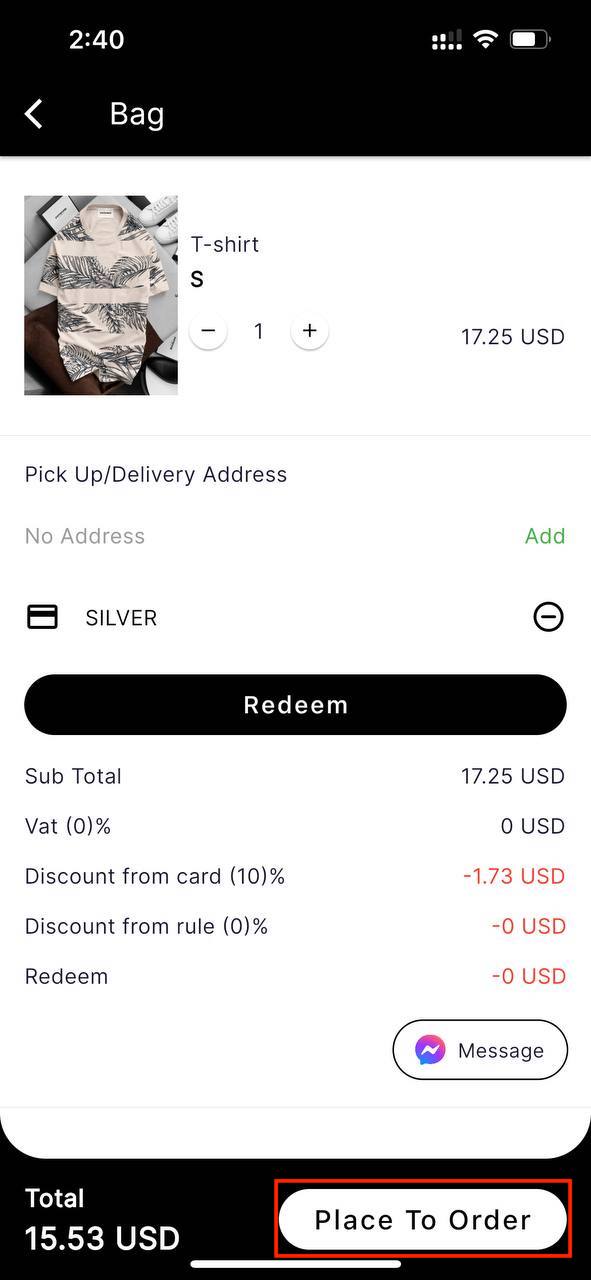
7. Add delivery address.
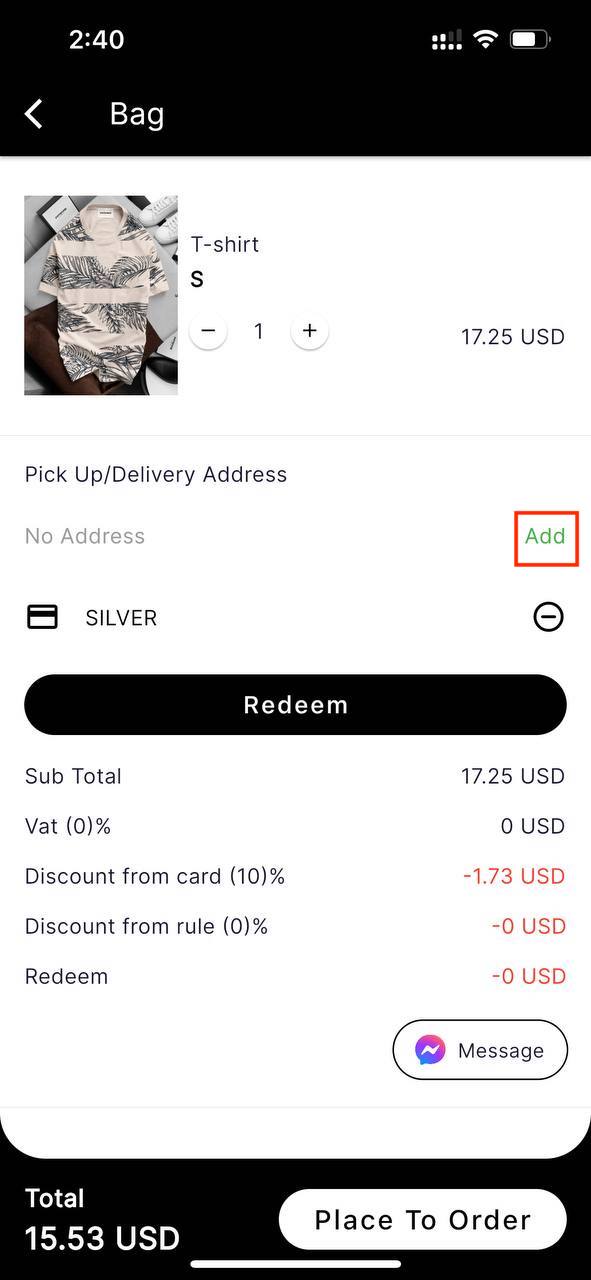
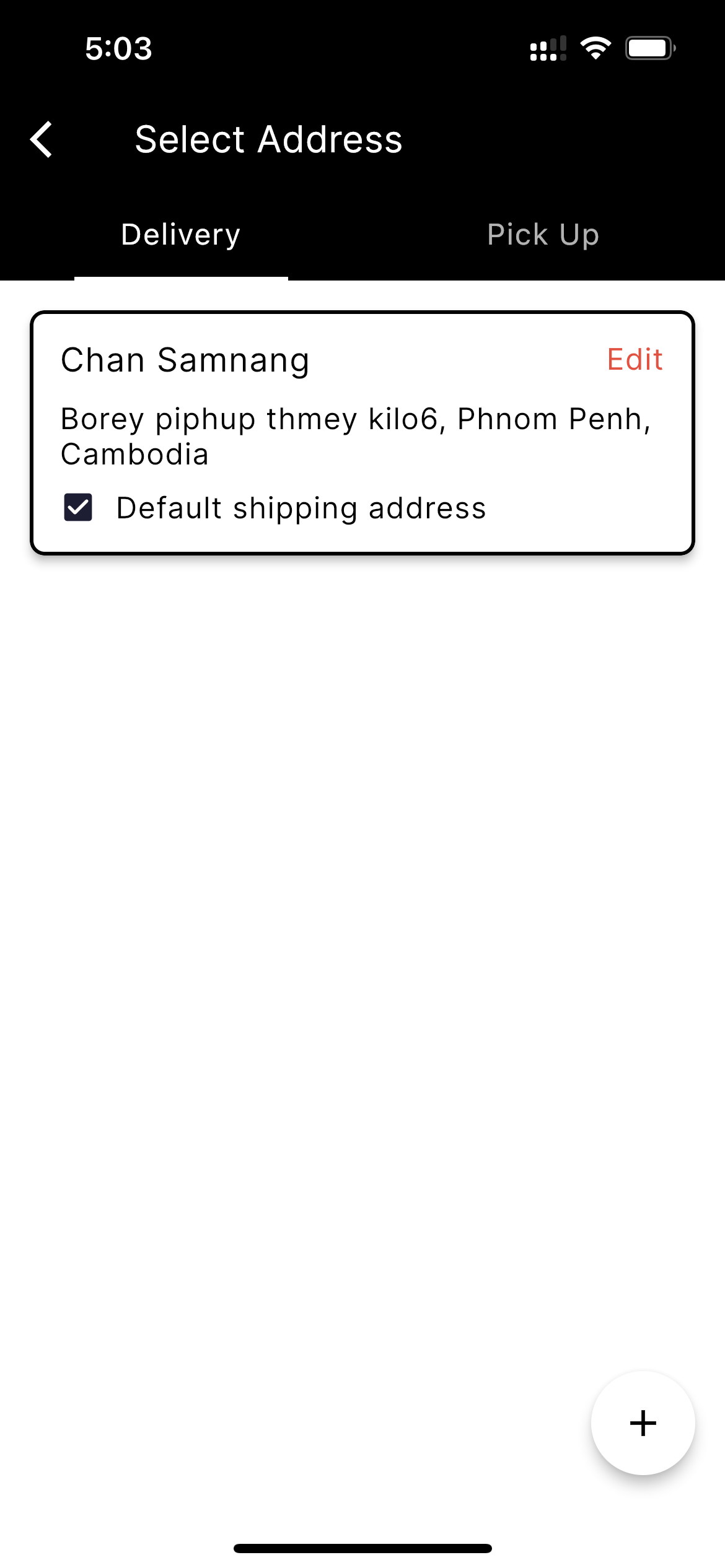
8. Select address (Delivery, Pick up).
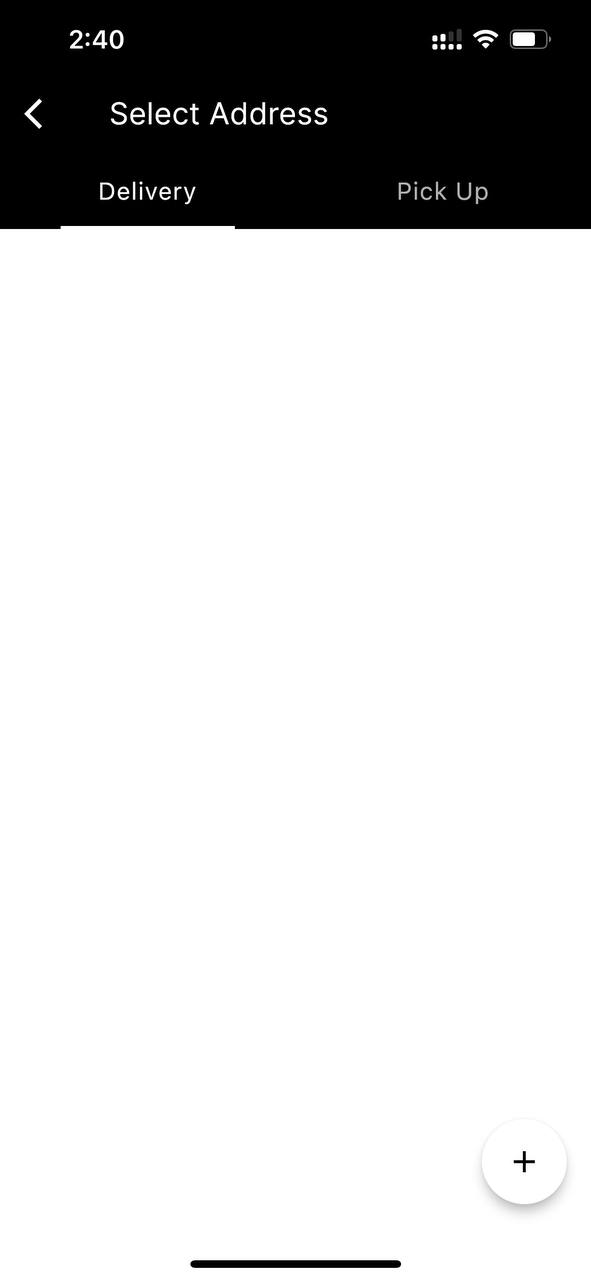
9. Add new delivery.
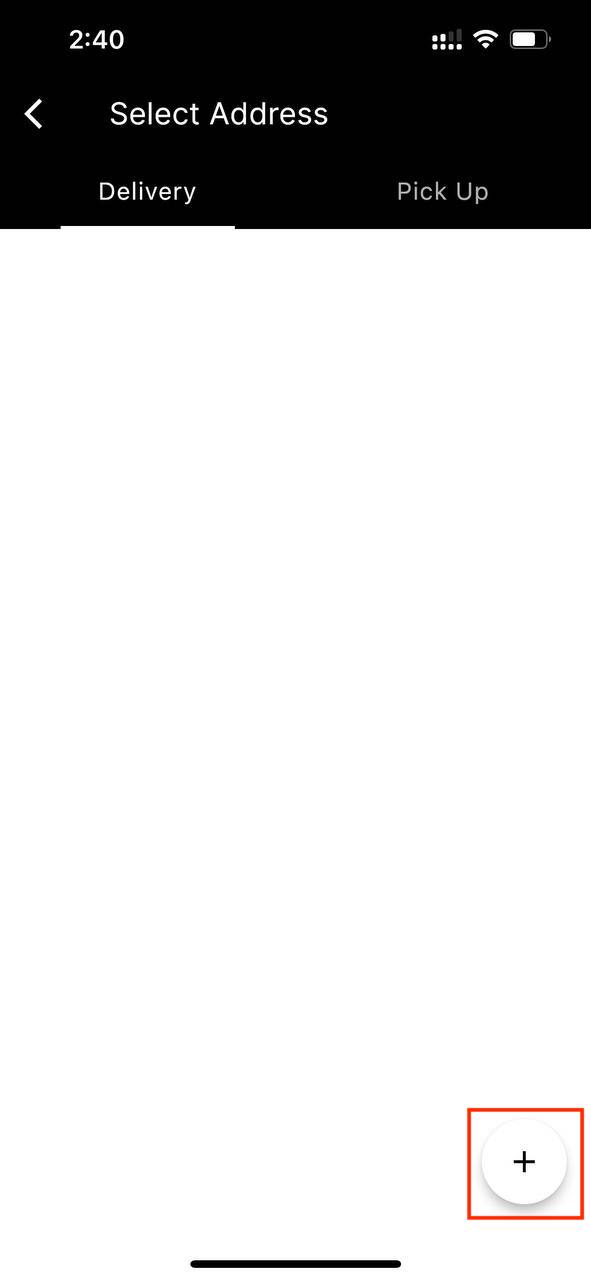
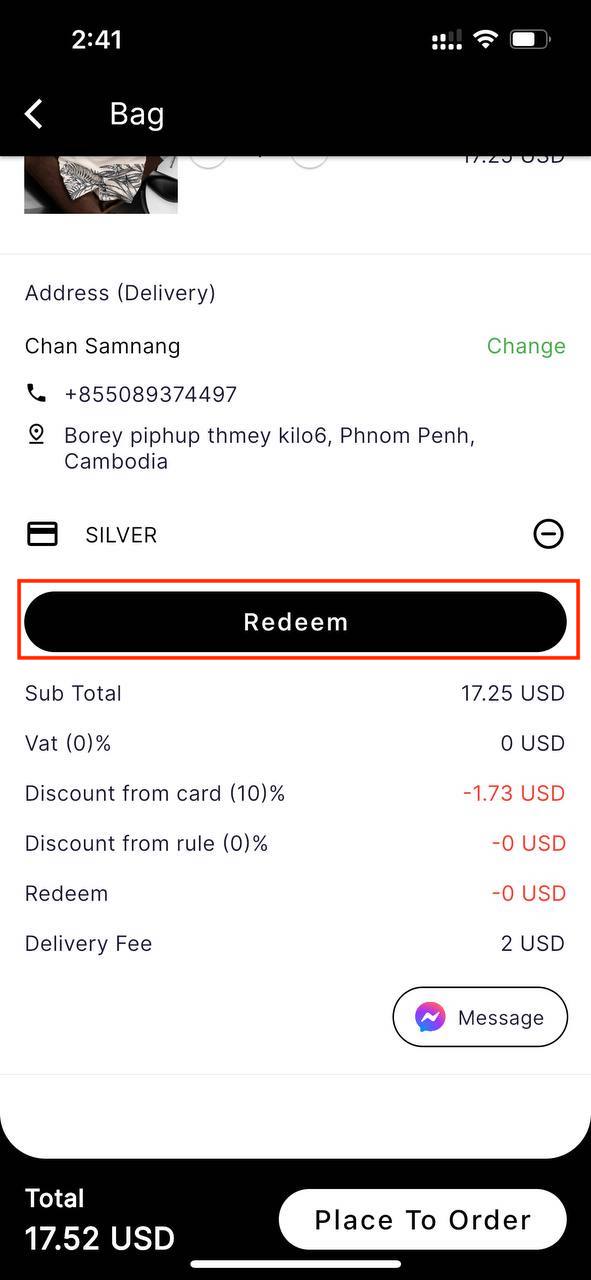
10. You can click to redeem button,if you want to redeem.
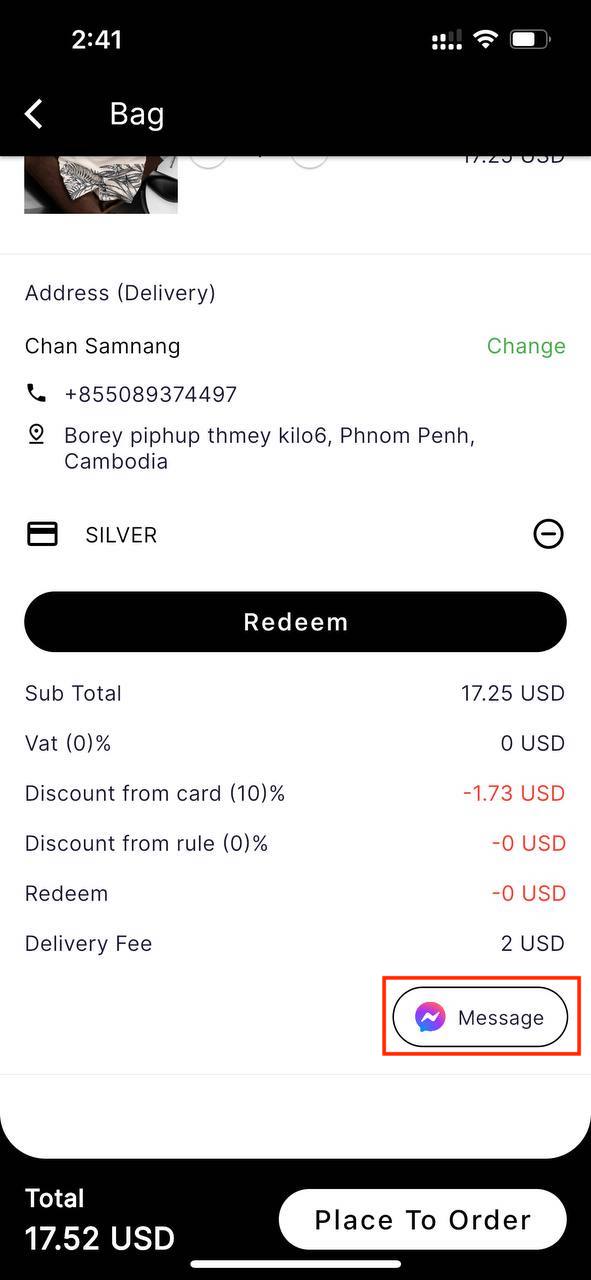
11. You can chat to facebook lookatme.
12. Click button place to order.
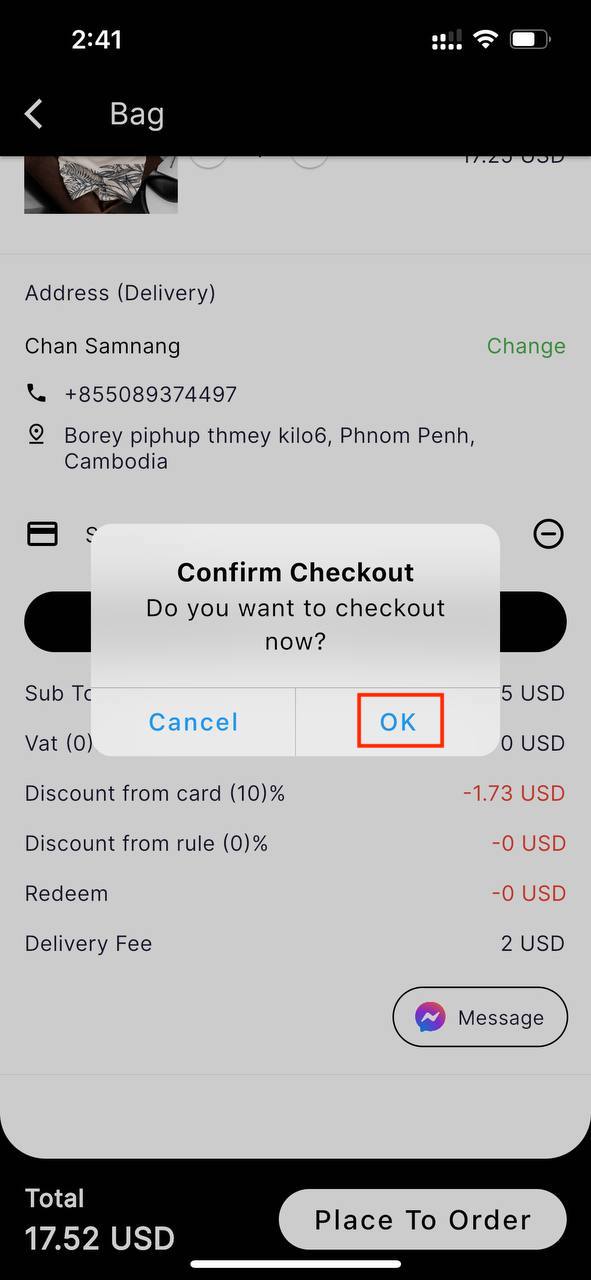
13. Pop up message to confirm purchase > OK.
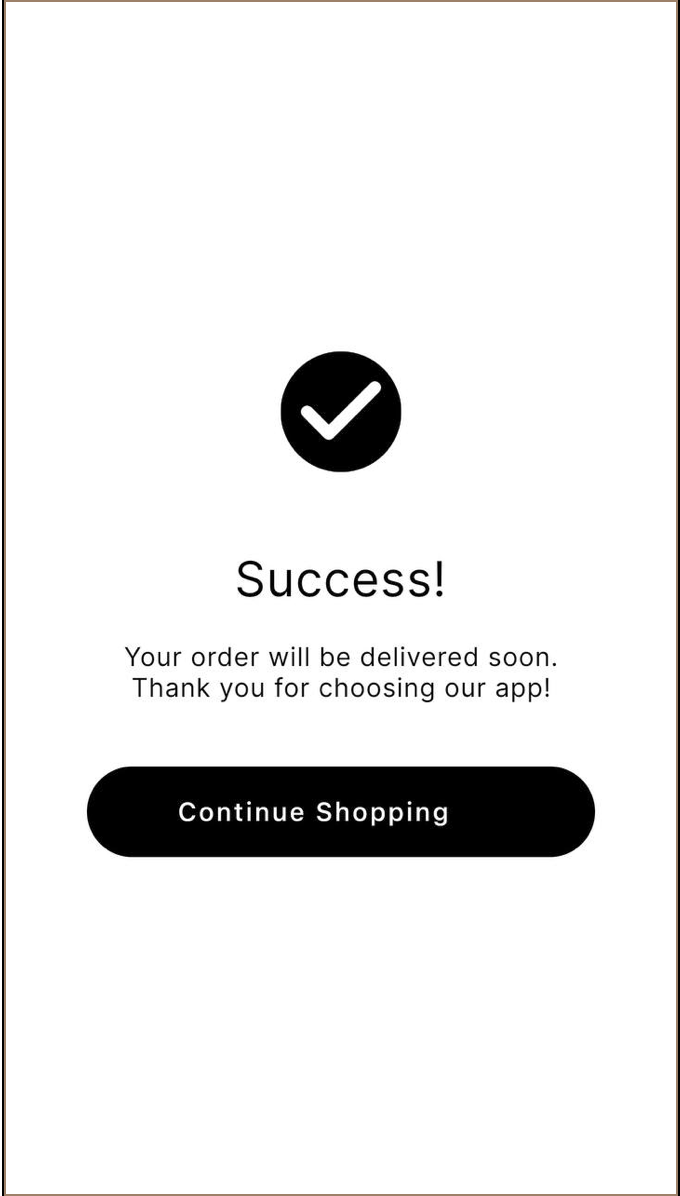
14. Purchased successful.